Planners & Productivity
Time Blocking for Beginners
Time blocking is a planning method where every part of the day is assigned a purpose. It can help you protect focus time, reduce decision fatigue, and see whether your plan is realistic before the day begins. The secret is to block time with buffers, not to create a perfect minute-by-minute fantasy.
Want it on paper? This guide pairs with our Time Blocking Template printable ($3.99).
What time blocking solves
A to-do list tells you what you hope to do. Time blocking asks when you will do it. That difference matters because a list can hold thirty tasks while a day cannot. When you place work, errands, meals, commute time, breaks, school pickup, chores, and rest into blocks, you see the true capacity of the day.
Time blocking is especially useful for people who underestimate how long tasks take, lose focus to messages, or end the day with important work untouched. It is not only for executives or productivity enthusiasts. A student, parent, freelancer, office worker, or shift worker can use the same principle: give the next chunk of time a job.
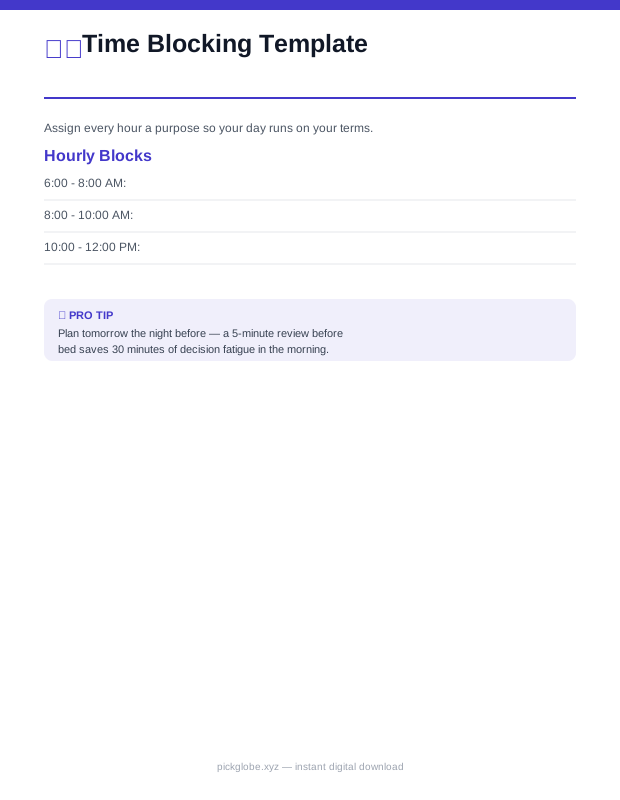 📄 PDF · Instant download3 pages
Time Blocking Template
An hour-by-hour template to plan your day in focused time blocks, with an energy-level tracker and brain-dump section — for granular deep-work scheduling.
Start with fixed anchors
Do not begin by scheduling deep work. Begin with the parts of the day that are already fixed: sleep, work hours, classes, commute, school runs, appointments, meals, medication, caregiving, and immovable deadlines. These anchors show what space is actually available. Many beginners skip this step and accidentally plan twelve hours of tasks into six hours of life.
Once anchors are visible, add maintenance blocks. These include email, admin, dishes, laundry, planning, exercise, and errands. Maintenance work expands when ignored, so give it a container. A printable daily planner is useful for this because it keeps priorities, schedule, meals, water, mood, and notes on one page.
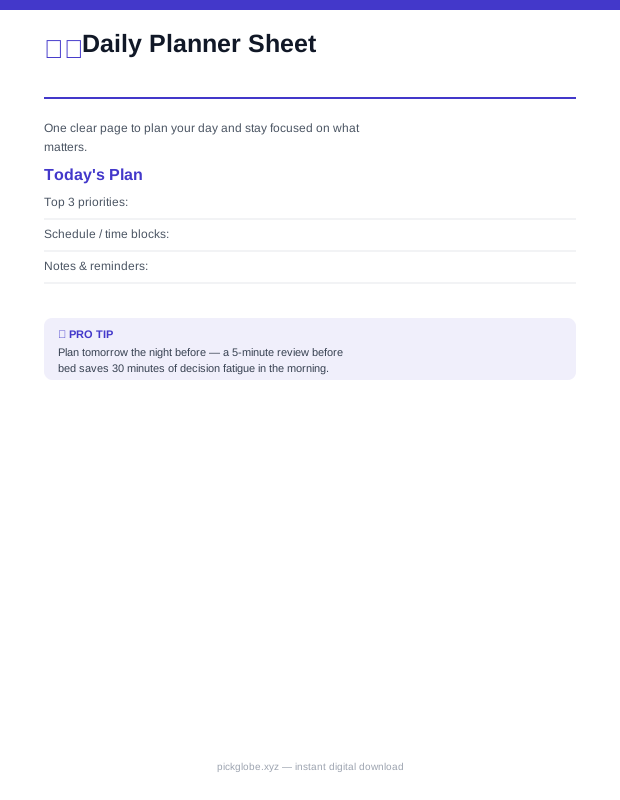 📄 PDF · Instant download1 page
Daily Planner Sheet
A single-page-per-day planner covering top priorities, schedule, meals, water intake, mood, and an evening reflection — the big-picture view of your day.
Match tasks to energy
Time blocking works better when you plan around energy, not just clock time. If your brain is sharpest before lunch, protect that window for writing, analysis, studying, or decisions. If you always slump at 3 p.m., do not schedule your hardest task there unless you have no choice. Use that block for admin, review, errands, or a break.
Energy planning also means noticing transition costs. A five-minute task between two demanding calls may not really fit if you need time to reset. Group similar tasks so your brain does less switching. Email, phone calls, invoices, errands, and quick replies often work better in batches than scattered across the day.
- High energy: deep work, writing, problem solving, studying, strategy.
- Medium energy: meetings, errands, planning, routine project work.
- Low energy: email, filing, tidying, simple admin, tomorrow setup.
- Recovery energy: meals, breaks, walks, quiet time, sleep routines.
📄 PDF · Instant download3 pagesTime Blocking Template
An hour-by-hour template to plan your day in focused time blocks, with an energy-level tracker and brain-dump section — for granular deep-work scheduling.
Use buffers on purpose
A calendar with no white space is already behind. Real life includes bathroom breaks, refilling water, slow elevators, late buses, tech problems, emotional conversations, and tasks that take longer than expected. Add 10 to 15 minutes between demanding blocks when possible. For larger projects, add a catch-up block near the end of the day or week.
Buffers are not wasted time. They are what make the plan honest. If you finish early, you can start the next block, take a real break, or use a small task list. If something runs late, the buffer absorbs it instead of pushing the entire day into chaos.
Build a beginner day
Start with a light version for one day. Choose three priority tasks, not twelve. Put the hardest one in your best energy window. Add one admin block, one meal or break block, and one shutdown block at the end. The shutdown block is where you review what happened, move unfinished tasks, and decide tomorrow's first step.
For example: 8:30 to 9:00 planning and messages, 9:00 to 10:30 deep work, 10:30 to 10:45 break, 10:45 to 12:00 project work, 12:00 to 12:45 lunch, 1:00 to 2:00 meetings, 2:00 to 2:30 admin, 2:30 to 3:30 priority two, 3:30 to 4:00 buffer, 4:00 to 4:20 shutdown. Your times may differ, but the structure is the point.
📄 PDF · Instant download3 pagesTime Blocking Template
An hour-by-hour template to plan your day in focused time blocks, with an energy-level tracker and brain-dump section — for granular deep-work scheduling.
📄 PDF · Instant download1 pageDaily Planner Sheet
A single-page-per-day planner covering top priorities, schedule, meals, water intake, mood, and an evening reflection — the big-picture view of your day.
Do not confuse blocks with handcuffs
The plan will change. A child gets sick, a client calls, a meeting runs long, or your energy crashes. That does not mean time blocking failed. It means the plan gave you something to adjust. When a block gets interrupted, decide whether to move it, shrink it, delegate it, or drop it. Do not drag every unfinished task forward automatically without asking if it still matters.
Use colours or labels if they help, but do not spend more time decorating the system than using it. A simple paper template often works because it is fast. You can see the whole day, cross things out, and write what actually happened without needing to reorganize a digital calendar every ten minutes.
Review and improve
At the end of the day, ask three questions: what worked, what took longer than expected, and what should change tomorrow? This review turns time blocking into a learning loop. After a week, you will know whether you need longer lunch breaks, fewer meetings on deep work days, more travel time, or a dedicated household reset block.
If you keep ignoring the same block, investigate it. Maybe the task is too vague, too big, emotionally loaded, or not actually important. Rename it with a next action, break it into a smaller step, or remove it. Time blocking is not about forcing yourself to obey a plan; it is about making better plans from real evidence.
Frequently asked questions
Is time blocking better than a to-do list?+
They work well together. Use the to-do list to capture tasks and time blocking to decide when the important ones will happen.
How much of my day should I time block?+
Beginners can start with anchors, top priorities, breaks, and a shutdown block. You do not need to schedule every minute.
What if I never stick to my time blocks?+
Use larger blocks, add buffers, plan fewer tasks, and review what interrupted you. The first version is only a draft.
Can time blocking work for ADHD?+
It can help some people by making time visible, but it may need shorter blocks, timers, body doubling, and professional support if needed.
Printables for this
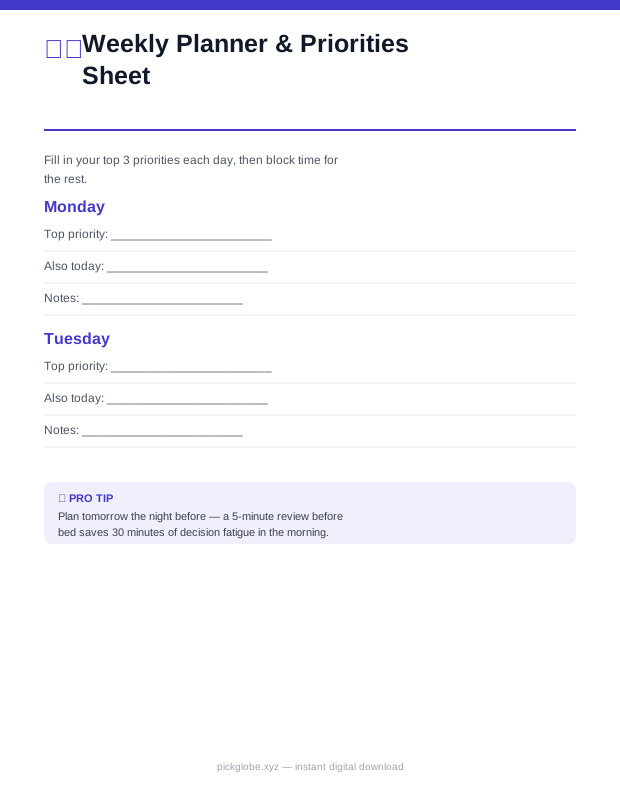 📄 PDF · Instant download7 pages
Weekly Planner & Priorities Sheet
A detailed one-page-per-day weekly planner — top 3 priorities, morning/afternoon/evening blocks, and a daily notes line for every day of the week.
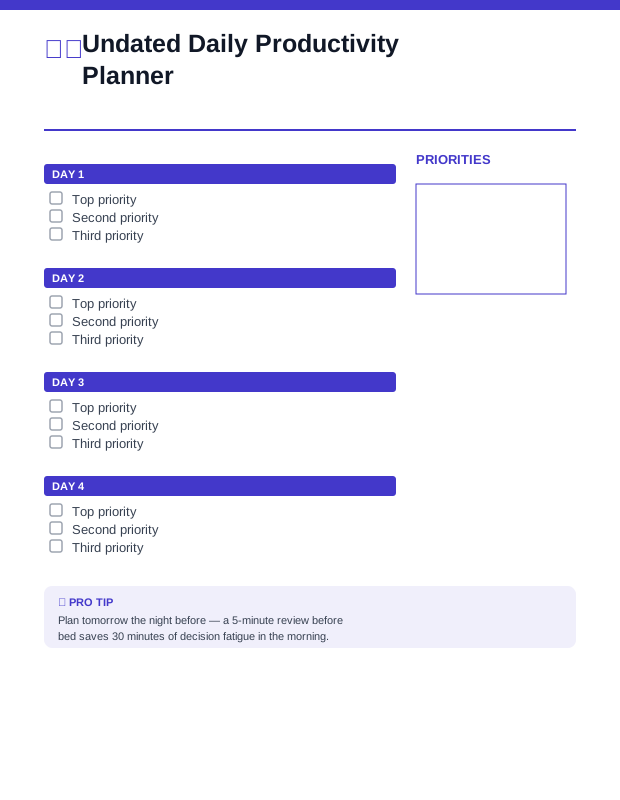 📄 PDF · Instant download2 pages
Undated Daily Productivity Planner
A reusable 7-day layout that never expires — top priorities, time blocks, and a notes grid for any week.
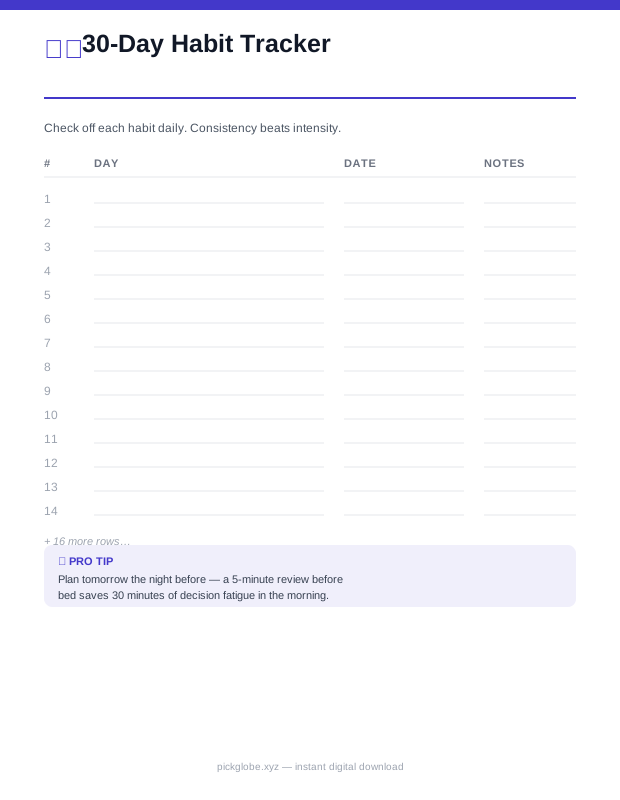 📄 PDF · Instant download2 pages
30-Day Habit Tracker
Track up to 6 habits daily for 30 days and watch your streaks build.